Face Film and Finish
The quotation identifies the face material, such as PET or synthetic paper, and its colour and finish.
Get material information tied to the label in your quotation. Tianyue helps identify the face film, adhesive and protective layer and checks which supplier documents are available for that combination.
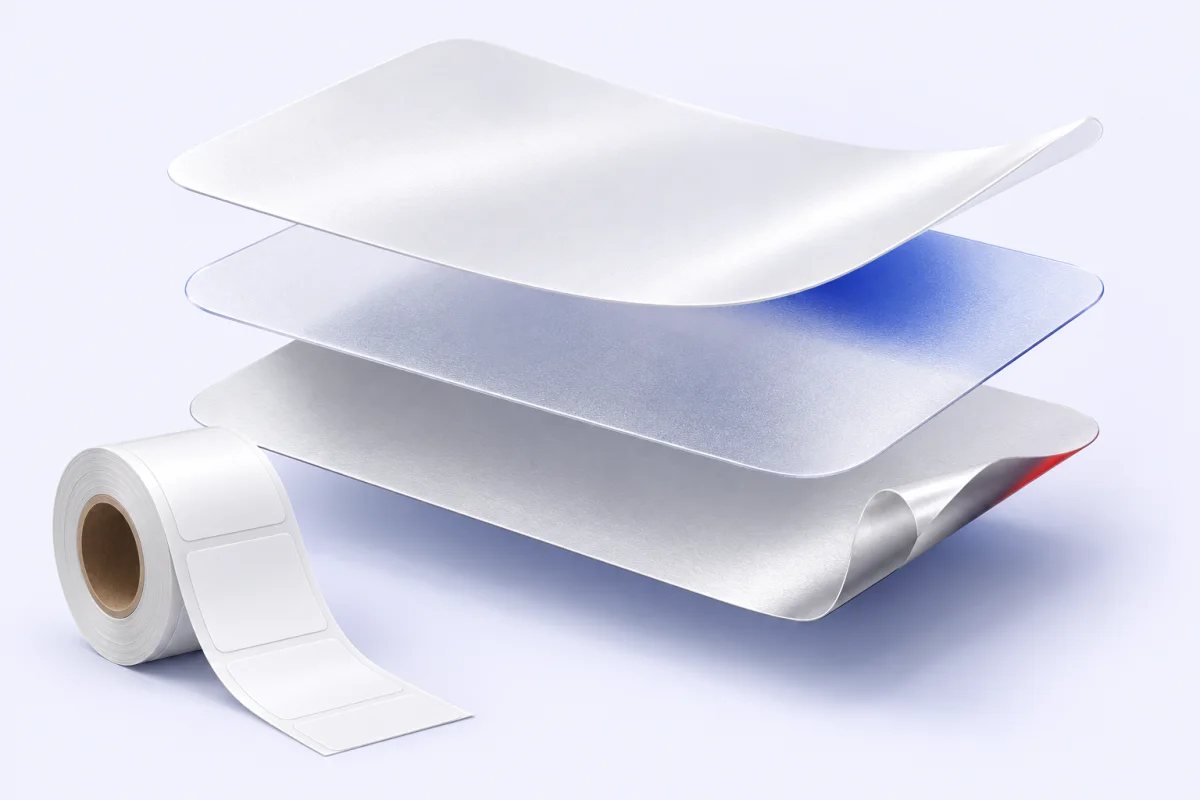
A useful material record names the actual components of the proposed label.
The quotation identifies the face material, such as PET or synthetic paper, and its colour and finish.
The adhesive belongs with the chosen face material and the surface on which the label will be applied.
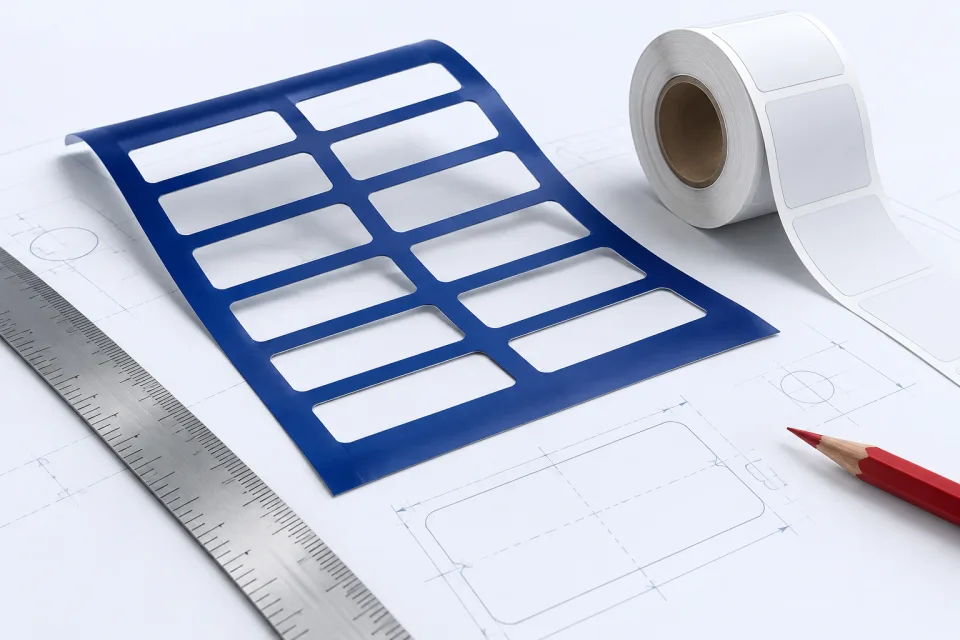
Protective layers and printed components form part of the finished label and can affect the documentation needed for sourcing.
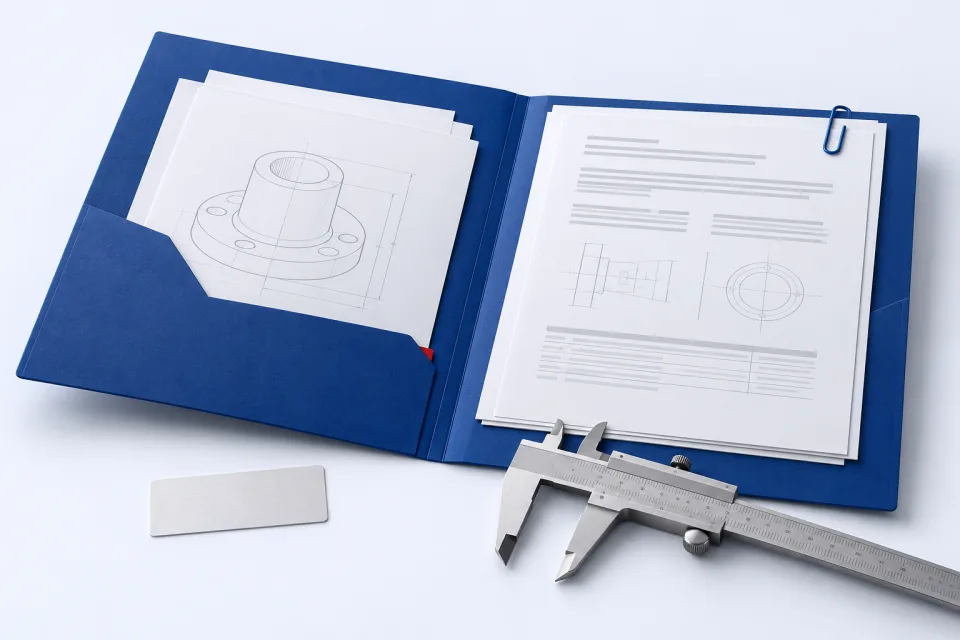
For a requested substance declaration or supplier material record, our team checks the document available for the proposed component and its stated scope. The response identifies which record can be supplied and any information still needed from the material supplier.
Material identity and a physical sample give purchasing and engineering the same reference.
Explore face materials, finishes and adhesive options before discussing the declarations relevant to your selected construction.
View Details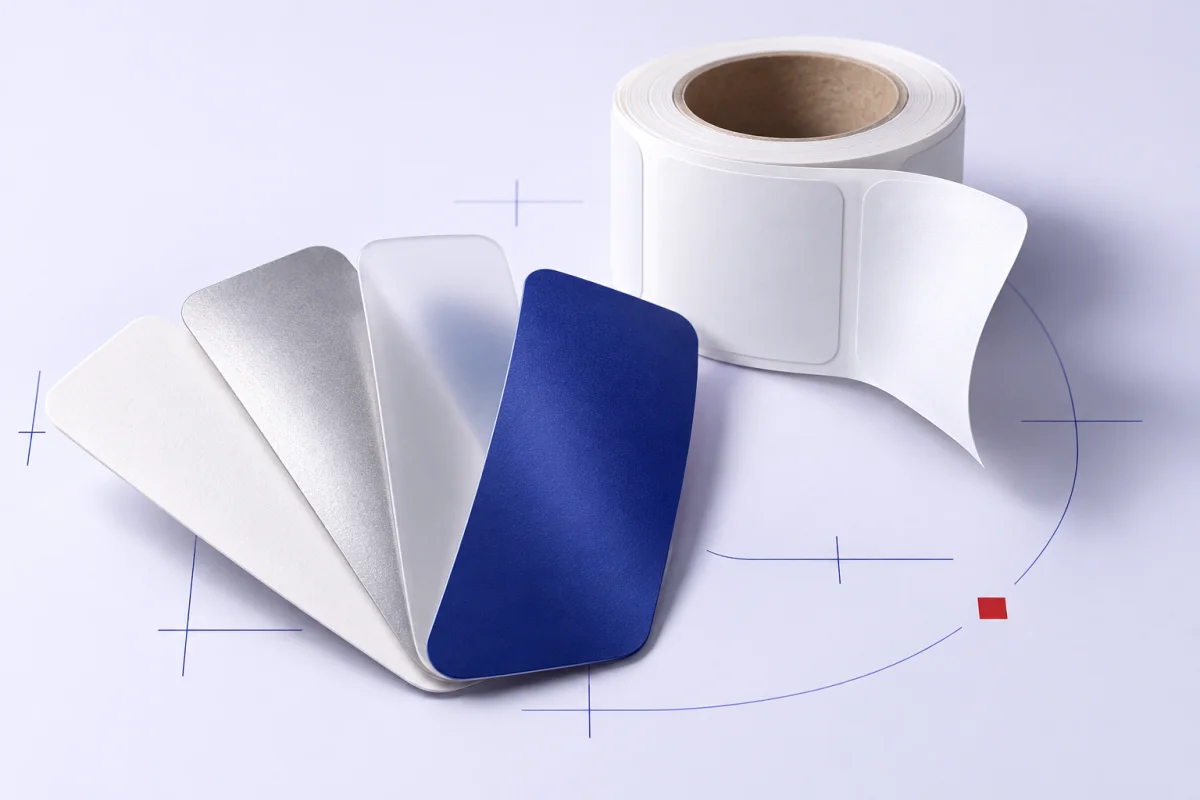
A sample lets your team judge the proposed appearance and application alongside the available material information.
View DetailsInclude the declaration name or purchasing requirement in your enquiry. Tianyue will check the available records for the proposed label and identify the materials they cover.